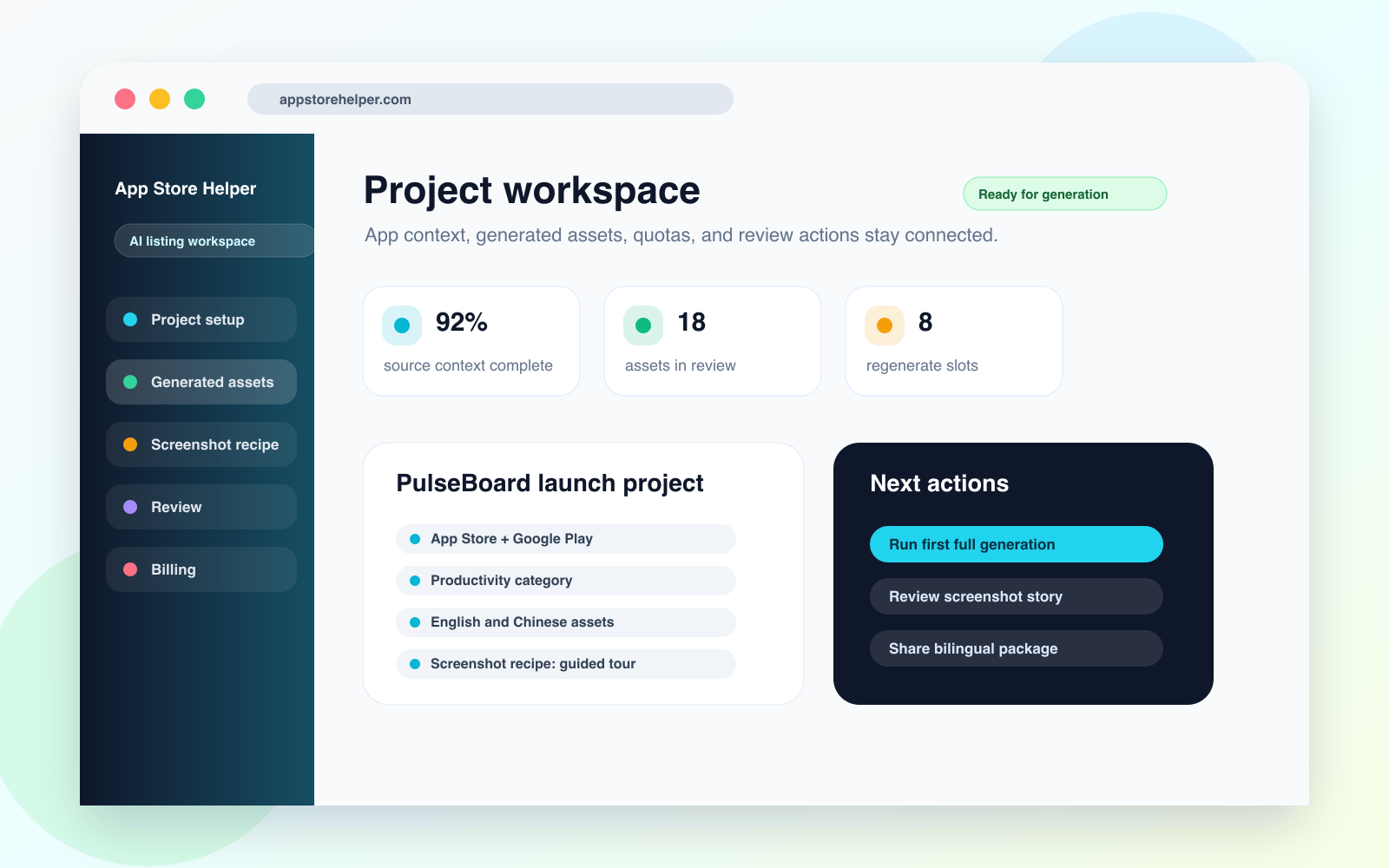
Project workspace
Project context, target platforms, screenshot direction, generation status, and next actions stay in one workspace.
Open PNGApp Store Helper turns your screenshots and a short app description into names, subtitles, descriptions, and keywords that fit store character limits, plus App Store-ready promo screenshots, a privacy policy, and a support page.
3
lifetime full generations on the free plan
10 / day
full app generations per day on Pro
20 + 20
text and image regenerate capacity per app
20
store languages you can generate
What one generation gives you
Names, subtitles, descriptions, and keywords sized to App Store and Google Play character limits.
1284 x 2778 promo screenshot PNGs in a choice of 20 visual styles.
Localized copy and screenshots in up to 20 languages.
Privacy policy, support page, and marketing landing page HTML.
Deliverables covered
Workspace preview
This is a sketch of the project page: your app details on the left, generated copy and screenshots in the middle, remaining quota and next steps on the right.
Enter your app description, platforms, category, and brand tone once.
Copy any field on its own, or download all copy and screenshots as one ZIP.
Regenerate a single field or screenshot instead of redoing the whole set.
Illustrative workspace
Current output view
Copy package
App name, subtitle, descriptions, and keywords, each checked against store character limits.
Promo screenshots
Each screenshot gets a headline and supporting line, rendered in your chosen style as an upload-ready PNG.
Quota and status
Next actions
01
Confirm your app details
02
Run the first full generation
03
Regenerate any copy or screenshot you want to improve
04
Download everything as a ZIP and submit
Product screenshots
These visuals cover the project workspace, listing output, screenshot recipe, bilingual review, and regenerate control for the website, directories, media kits, and external reviews.
Project context, target platforms, screenshot direction, generation status, and next actions stay in one workspace.
Open PNG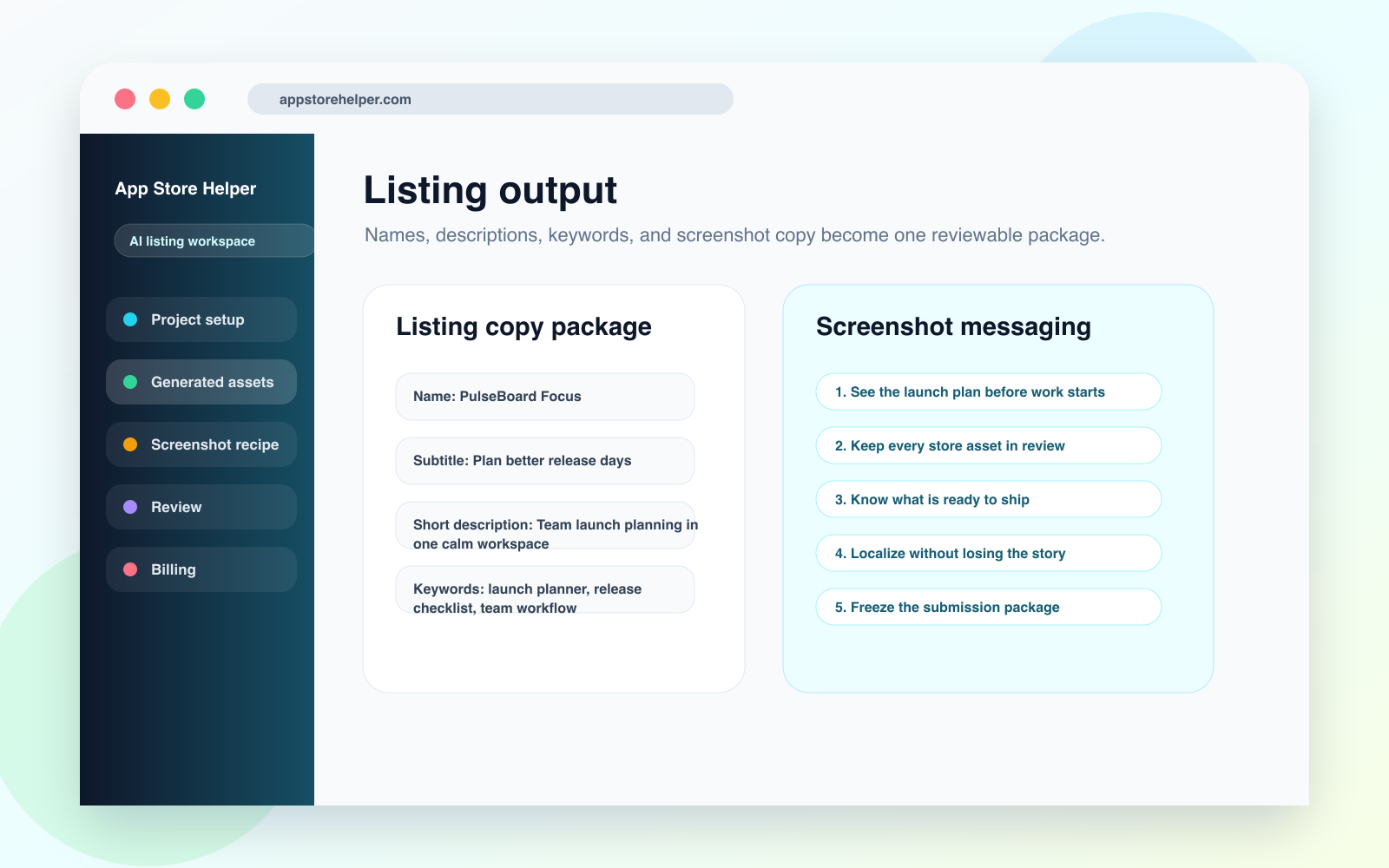
Names, subtitles, descriptions, keywords, and screenshot copy are grouped into a reviewable listing package.
Open PNG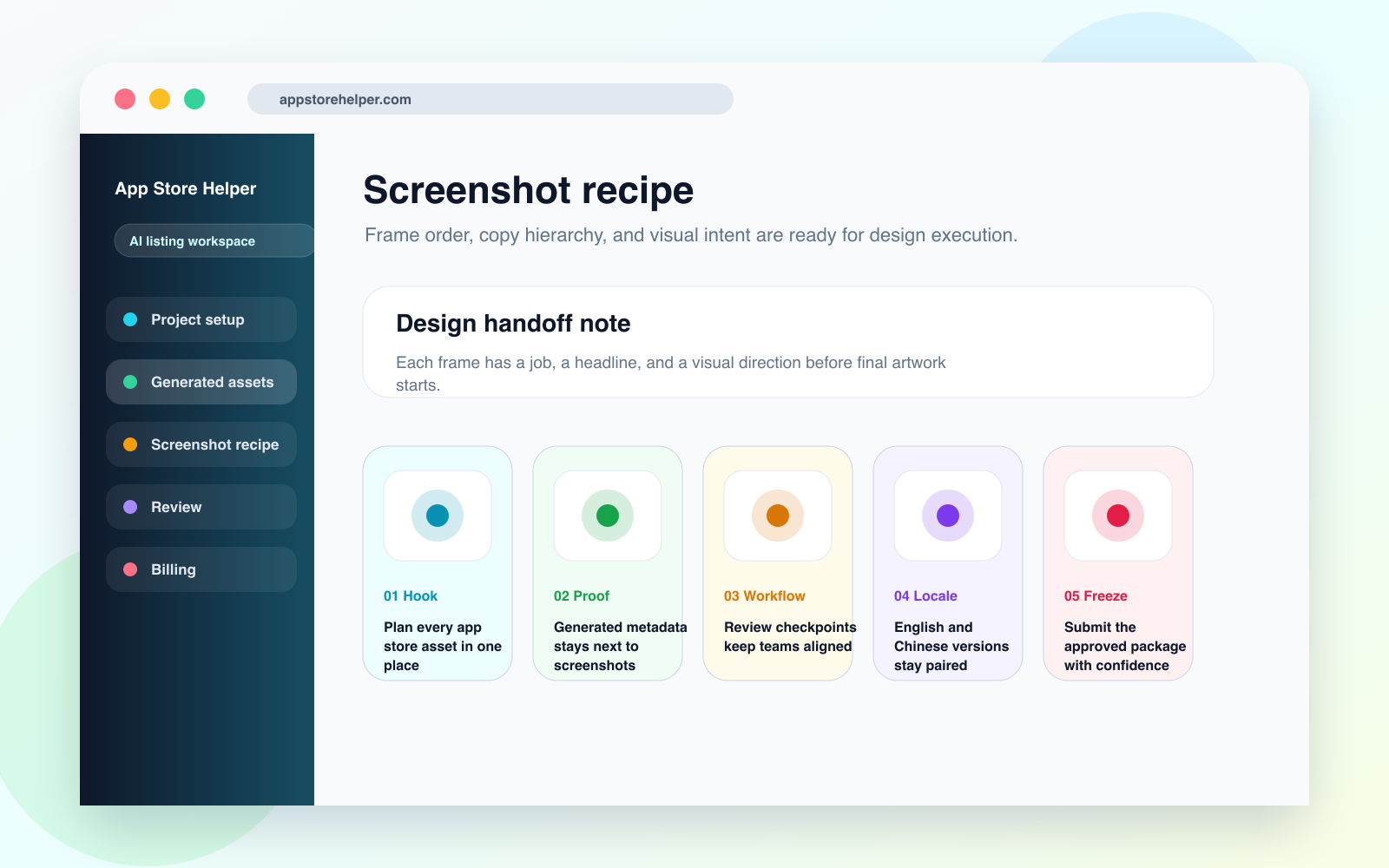
Each screenshot frame carries a headline, visual job, and handoff note for design execution.
Open PNG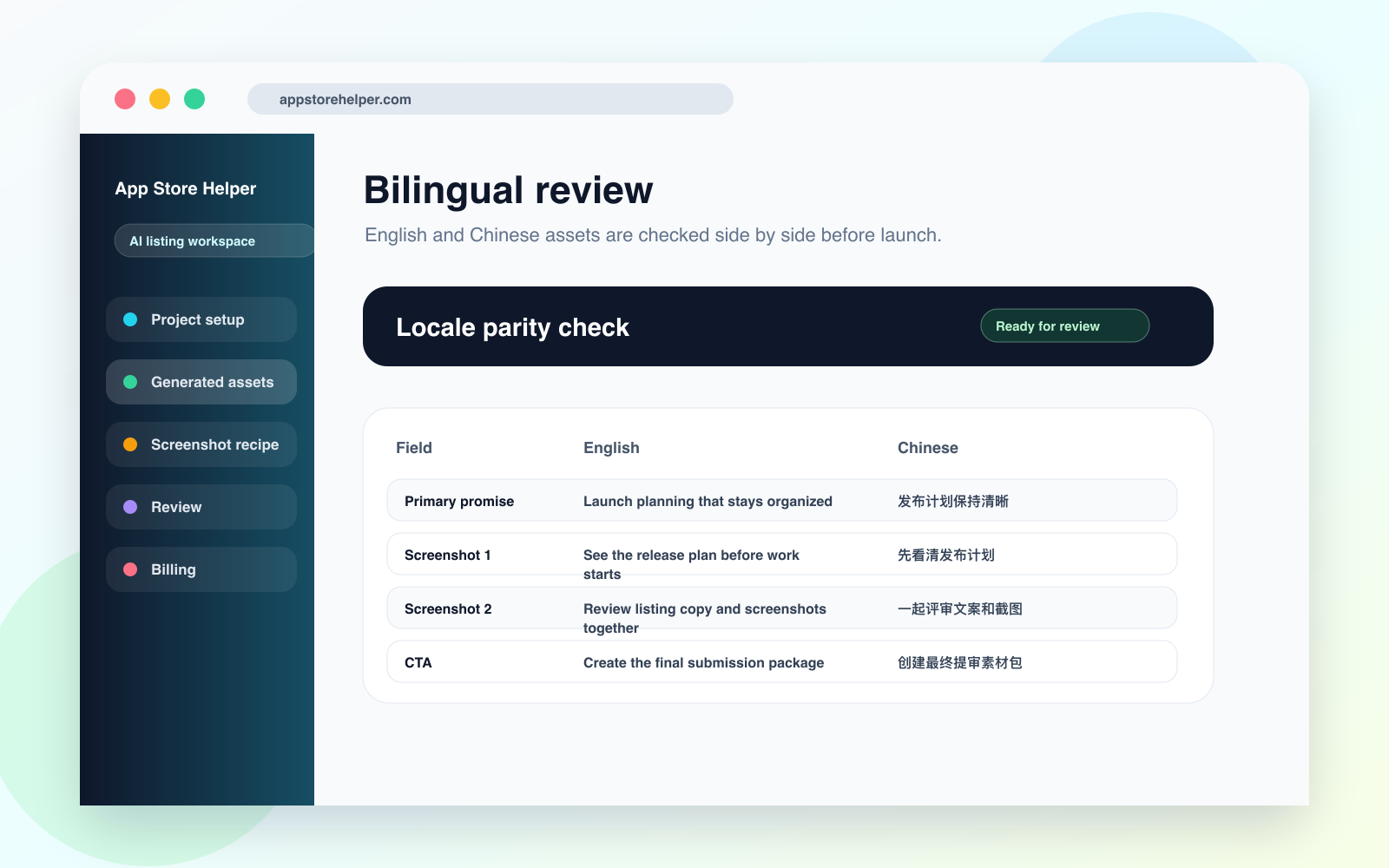
English and Chinese assets are reviewed side by side so teams can catch meaning drift before localization ships.
Open PNGBuilt for
Indie builders
Generate names, descriptions, keywords, and screenshot copy together so the first launch draft is coherent from the start.
Growth and ASO teams
When keywords, screenshots, and descriptions need ongoing iteration, the project keeps history, context, and guardrails in one place.
Agencies and studios
Manage source assets, generation status, and regenerate behavior per project so client delivery stays organized.
Global operators
Generate copy and localized screenshots in English, Chinese, Japanese, Korean, German, French, Spanish, and 13 more languages without restarting per market.
Core capabilities
Generate app names, subtitles, descriptions, keywords, and screenshot copy for one project without drifting across markets or channels.
Pick from 20 visual styles and 6 layouts to get 1284 x 2778 PNGs with headlines and supporting copy, no designer required.
Keep source assets, generation status, history, and regenerate activity in one place so revisions stay traceable.
The privacy policy, support page, and marketing landing page that store review asks for are generated as HTML alongside your copy.
System coverage
Workflow
Define the app, target platforms, category, and brand tone, then upload source assets to ground generation.
Get store copy, keywords, promo screenshots, and compliance pages in one pass.
Regenerate a single copy field or a single screenshot and leave everything else untouched.
Download all copy and screenshots as one ZIP, organized by language, then submit through App Store Connect or Google Play Console.
Plan preview
3 lifetime full generations to validate the workflow.
$0
• Available right after sign-in
• No regenerate after the first full run
• Best for evaluating the full workflow
10 full app generations per day for teams iterating continuously.
$9.98 / month
• 20 text regenerations per app
• 20 total image regenerations per app
• Built for high-frequency listing iteration
Designed for long-term ASO work across launches, markets, and recurring campaigns.
$59.80 / year
• 10 full app generations per day
• A strong fit for ongoing multilingual operations
• Better for predictable long-term team budgets
FAQ
The free plan includes 3 lifetime full generations, each with the complete copy, screenshots, and compliance pages. Each app also gets 3 trial text regenerations and 3 image credits.
Pro users can fully generate 10 apps per day. Each app gets 20 text regenerations and 20 total image regenerations.
Store copy and localized screenshots can be generated in 20 languages: English, Simplified and Traditional Chinese, Japanese, Korean, French, German, Spanish, Brazilian Portuguese, Italian, Russian, Arabic, Thai, Vietnamese, Indonesian, Malay, Turkish, Dutch, Polish, and Swedish. The product interface is available in English and Chinese.
Copy is generated to fit App Store and Google Play character limits, and promo screenshots are 1284 x 2778 PNGs for the App Store 6.5-inch slot. The content is AI-generated, so read it through and check the facts before you submit, especially the privacy policy.
Content cluster
FAQ, guides, compare pages, glossary entries, and case studies now share the main domain as one retrieval layer for search and AI systems.
Guides
48 pagesOperational articles for launch planning, review, and asset handoff.
Compare
6 pagesDecision pages that explain the gap between manual ops and structured workflows.
Glossary
12 pagesEntity definitions and ASO vocabulary written for both teams and AI retrieval systems.
Case studies
3 pagesNarrative case studies with concrete workflow, decisions, and outcomes.
Start paths
When readers are not sure whether to start with guides, glossary, compare pages, or case studies, give them an explicit sequence. Each path ties the pages together in the order they are most useful.
Use this order if you need a clean launch workflow before you worry about tool comparisons or isolated tactics.
Start with the narrative model, then move into copy, design brief, and a launch case that shows the system working end to end.
Topic paths
These topic paths connect guides, compare pages, glossary entries, and case studies into one problem-oriented route so users do not need to understand the site taxonomy first.
Start with the pages that connect listing workflow, approval state, and launch readiness.
Move from screenshot strategy into design-ready execution without dropping the message architecture.
Use these pages when iteration cost, approval state, and regenerate choices need tighter control.
Featured docs
The homepage now exposes representative guides, compare pages, glossary entries, and case studies so both humans and AI systems can jump straight into the most relevant page.
A step-by-step workflow for turning positioning, metadata, screenshots, and review gates into one release-ready asset system.
Use one project-level workflow to align store copy, screenshot intent, review checkpoints, and launch-week handoff.
How to move from message hierarchy to screenshot headlines, supporting copy, and design handoff without splitting ASO and creative review.
Use screenshot recipes and review checkpoints to turn store positioning into executable screenshot sequences.
A review workflow for teams shipping English and Chinese listing assets without letting meaning drift across metadata, screenshots, and QA.
Review bilingual launch assets as one message system instead of two unrelated translation passes.
No card required. Upload your screenshots, describe the app in a paragraph, and see the full listing package a few minutes later.