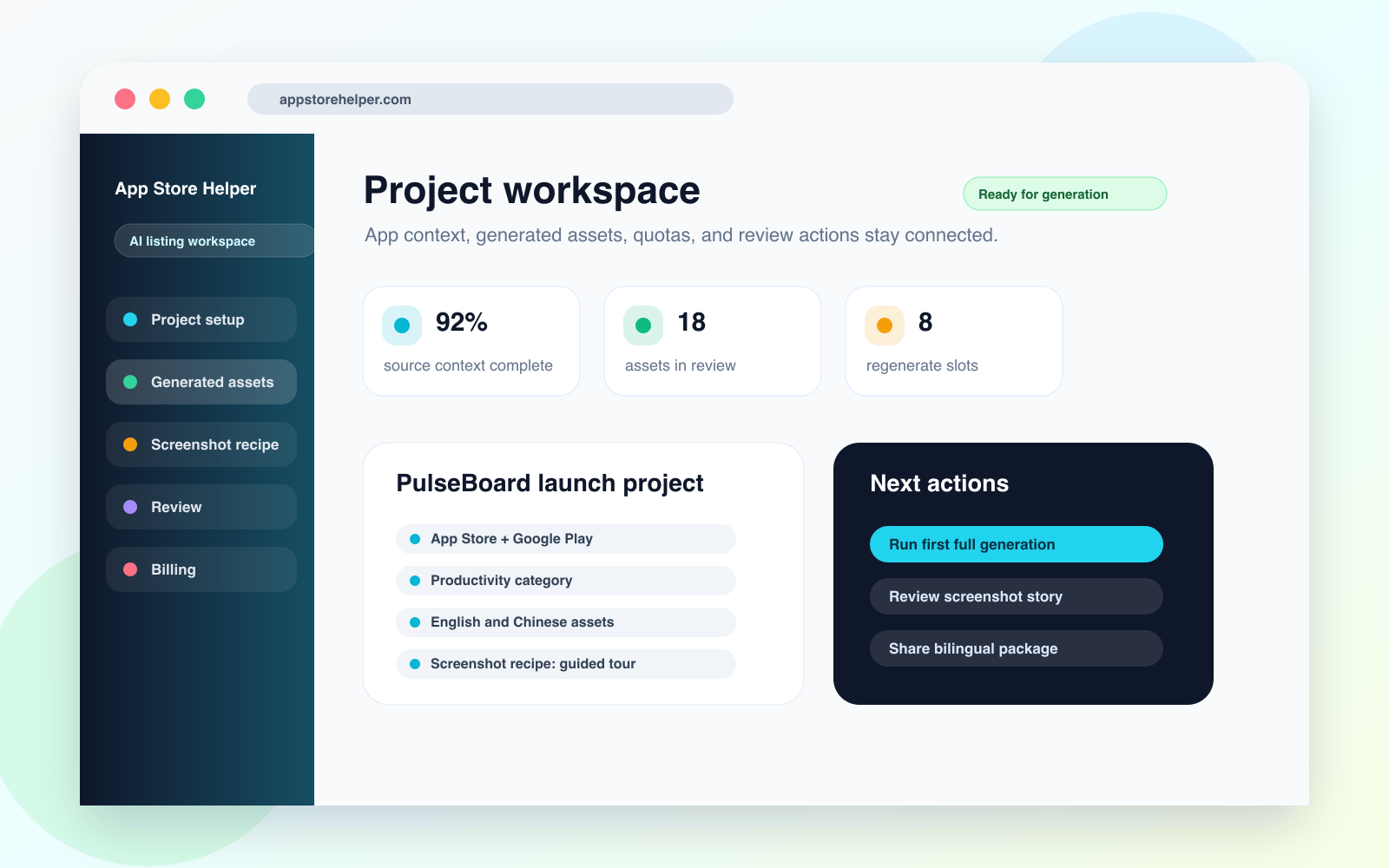
Project workspace
Project context, target platforms, screenshot direction, generation status, and next actions stay in one workspace.
Open PNGScreenshot headline and subcopy generator
App Store Helper helps teams move from message hierarchy to screenshot headlines, supporting copy, frame intent, and review checkpoints for App Store and Google Play assets.
Product screenshots
These visuals cover the project workspace, listing output, screenshot recipe, bilingual review, and regenerate control for the website, directories, media kits, and external reviews.
Project context, target platforms, screenshot direction, generation status, and next actions stay in one workspace.
Open PNG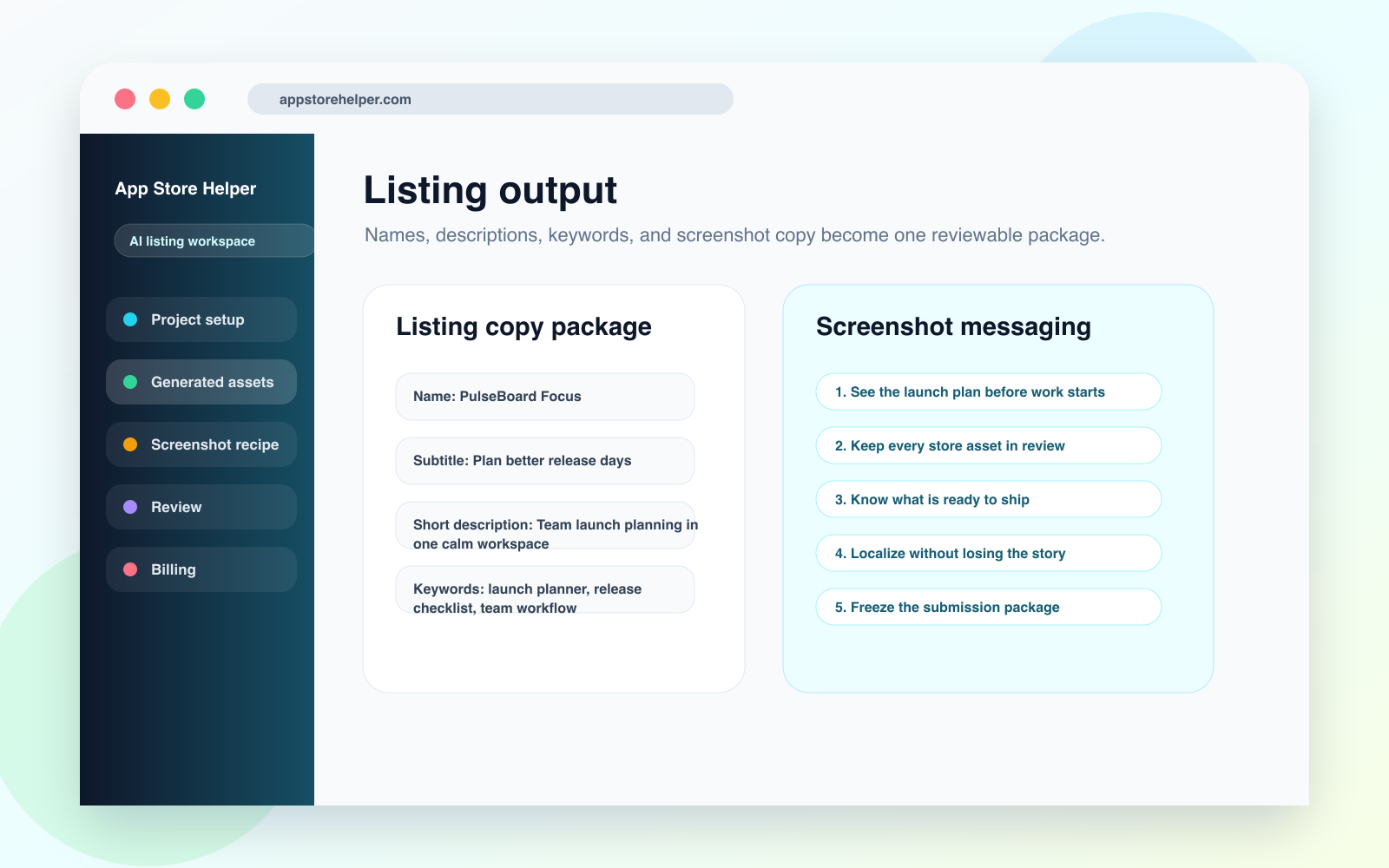
Names, subtitles, descriptions, keywords, and screenshot copy are grouped into a reviewable listing package.
Open PNG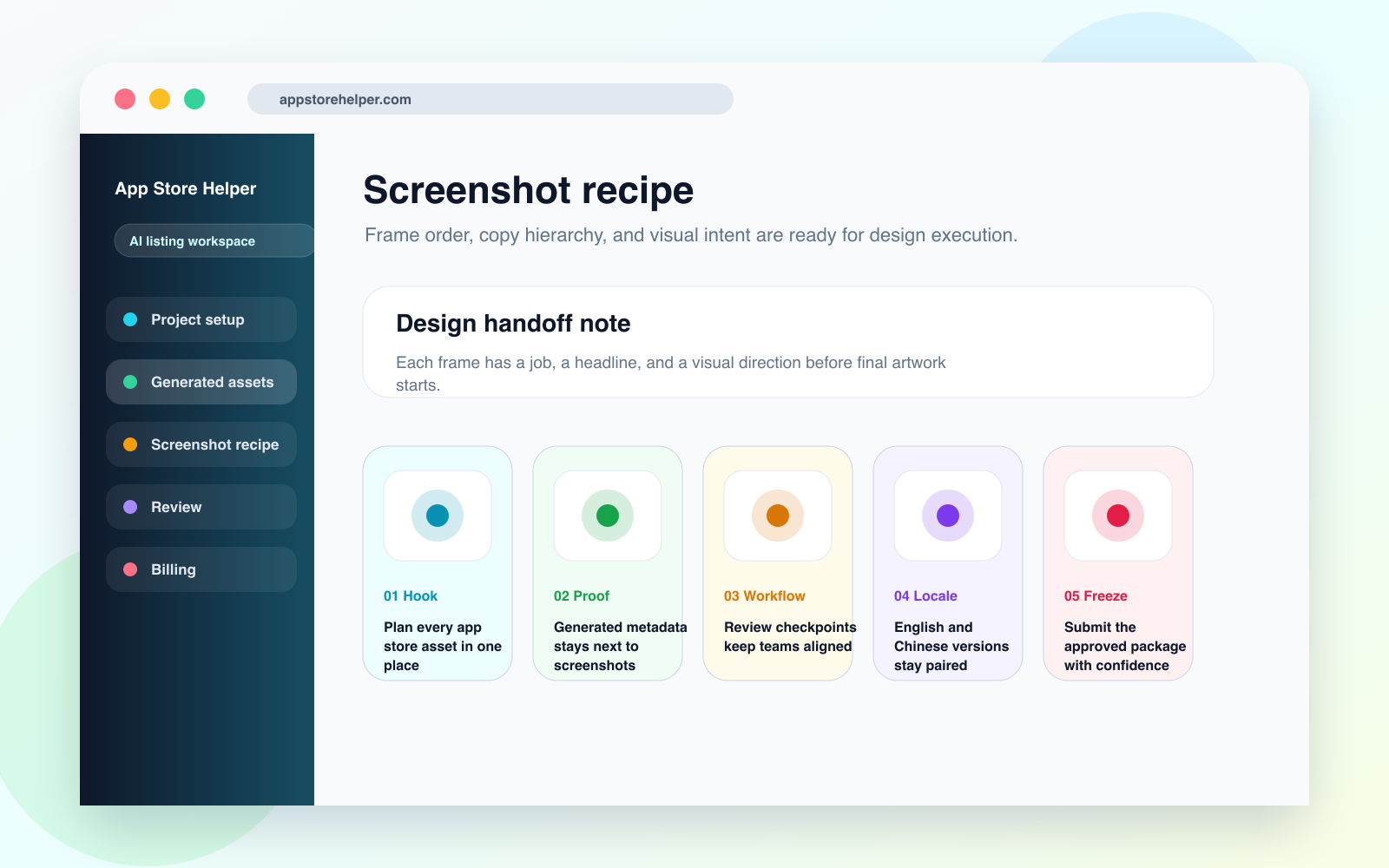
Each screenshot frame carries a headline, visual job, and handoff note for design execution.
Open PNGOutputs
Good screenshot copy explains why each frame exists and how the sequence moves a visitor toward install intent.
Plan the headline, supporting copy, and visual intent for each screenshot instead of writing isolated taglines.
Give designers the copy hierarchy, frame objective, and context they need before layout work begins.
Keep ASO, product, and creative reviewers aligned around the same screenshot narrative.
Workflow
App Store Helper keeps screenshot copy connected to listing metadata and the project review loop.
01
Identify the main value proposition, proof points, audience pain, and product moments worth showing.
02
Turn the value story into a sequence that makes sense across the first three to five screenshots.
03
Generate concise headlines and supporting copy with the visual role of each frame attached.
04
Check overflow, translation risk, platform fit, and whether the screenshot story matches the listing copy.
Use cases
Use it whenever screenshot work is blocked by unclear messaging or fragmented handoff.
Prepare a first sequence before designers start building final visuals.
Rewrite screenshot headlines around clearer benefits without losing the existing product story.
Check whether translated screenshot copy still follows the same message order and visual intent.
FAQ
App Store Helper focuses on the messaging workflow and can help with screenshot direction and generated assets, but final production still needs brand and platform review.
Screenshot copy has to work with visual order, small spaces, and quick scanning, so each line needs a clear job inside the frame sequence.
Yes. The workflow keeps English and Chinese screenshot messaging attached to the same frame intent so review can catch drift early.
Keep exploring