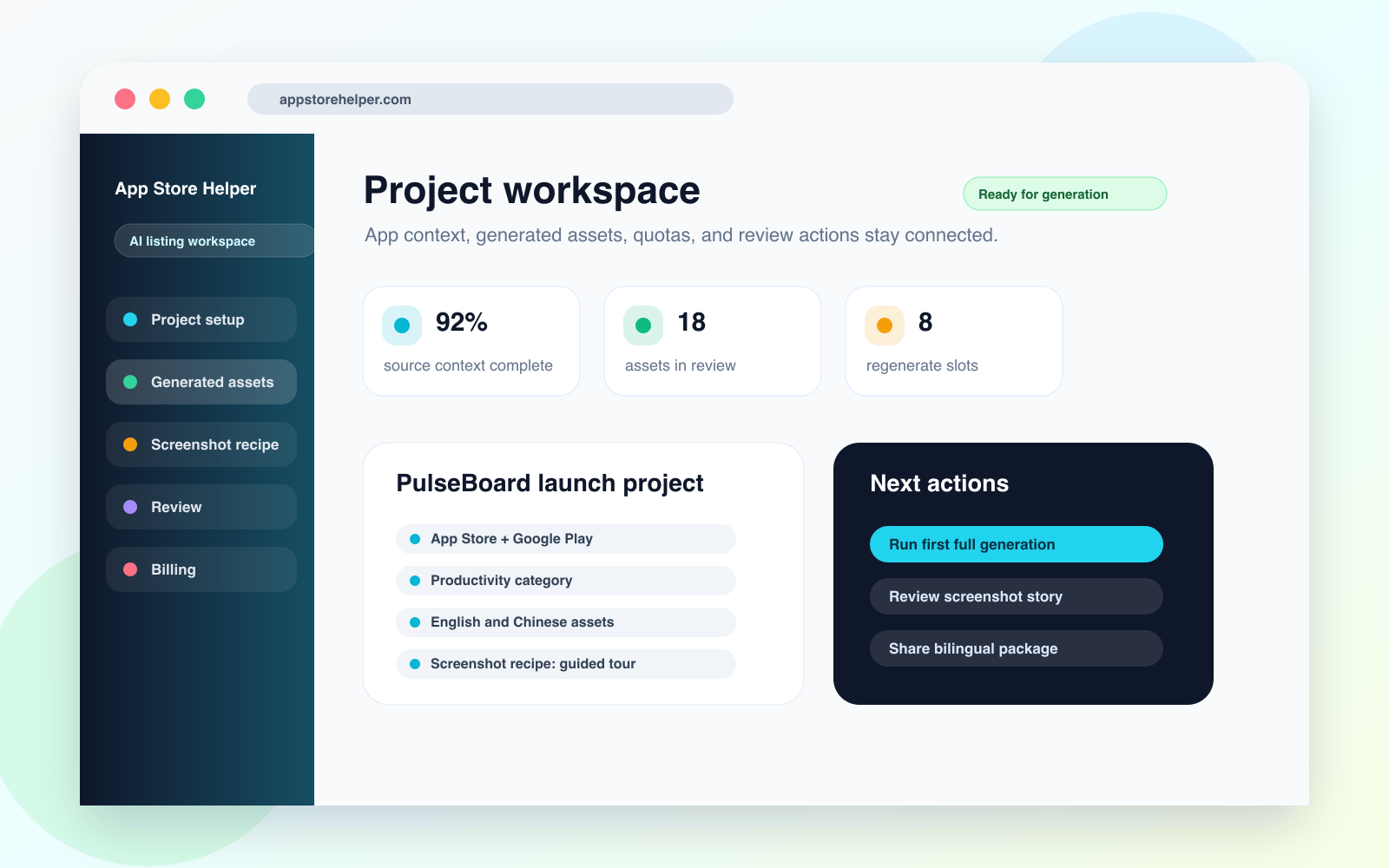
Project workspace
Project context, target platforms, screenshot direction, generation status, and next actions stay in one workspace.
Open PNGAI listing copy generator
App Store Helper turns positioning, audience notes, screenshots, and platform constraints into names, subtitles, descriptions, keywords, and review-ready messaging for App Store and Google Play.
Product screenshots
These visuals cover the project workspace, listing output, screenshot recipe, bilingual review, and regenerate control for the website, directories, media kits, and external reviews.
Project context, target platforms, screenshot direction, generation status, and next actions stay in one workspace.
Open PNG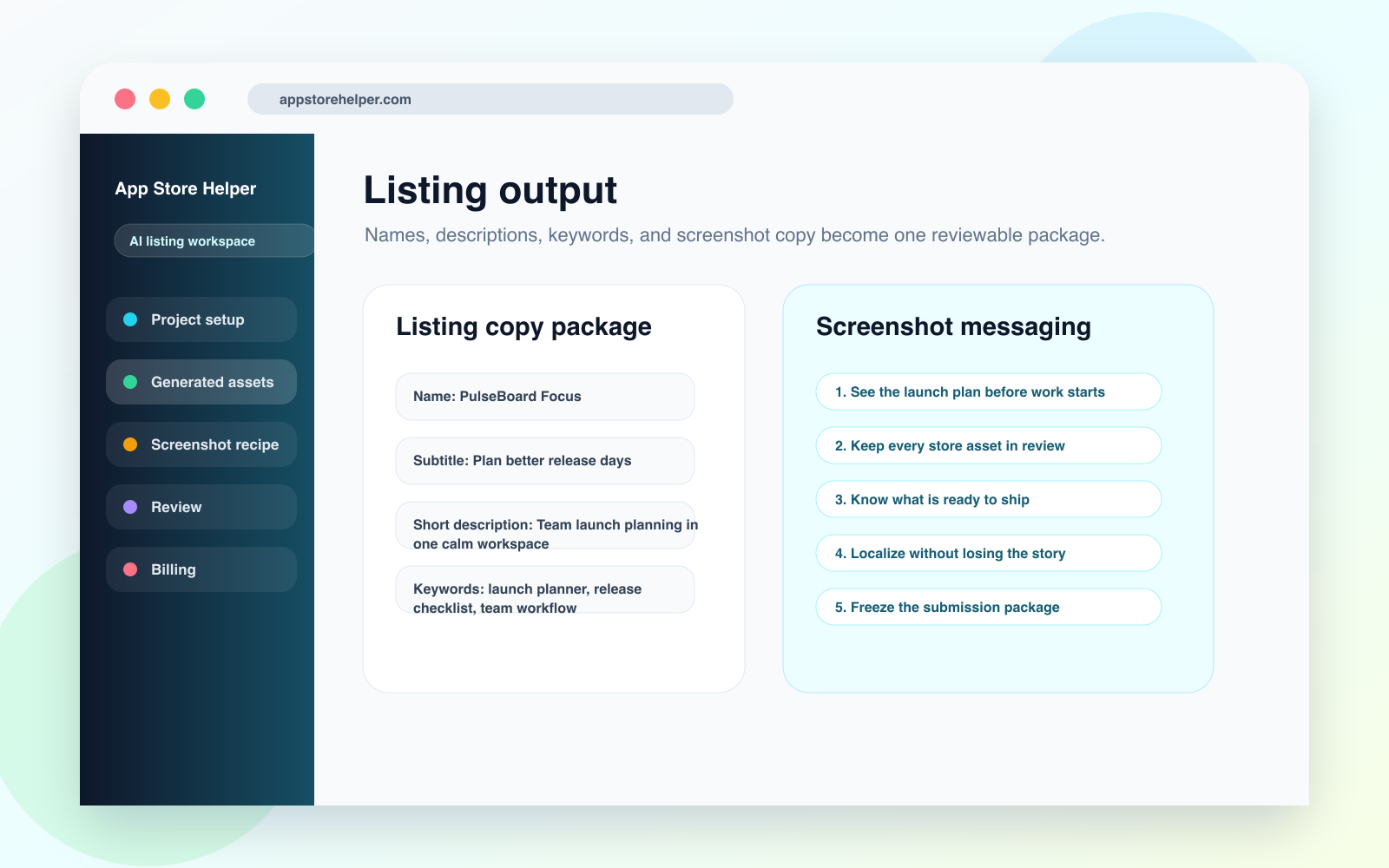
Names, subtitles, descriptions, keywords, and screenshot copy are grouped into a reviewable listing package.
Open PNG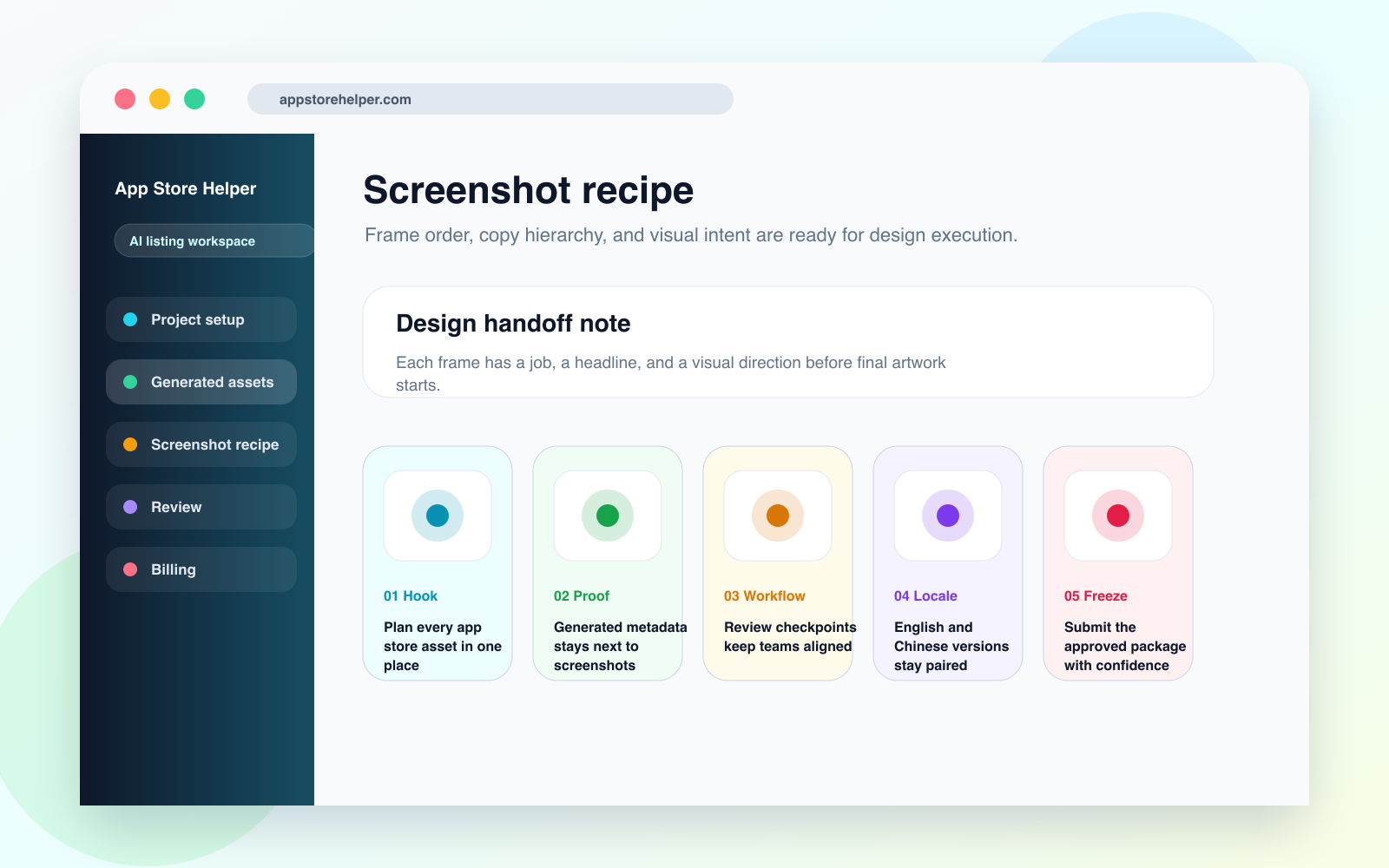
Each screenshot frame carries a headline, visual job, and handoff note for design execution.
Open PNGOutputs
The page is designed for teams that need a complete first draft, not disconnected copy snippets.
Generate app names, subtitles, short descriptions, long descriptions, and keyword candidates from the same source context.
Keep App Store and Google Play constraints visible so copy can move into review without a separate cleanup round.
Prepare English and Chinese listing assets in the same project so meaning does not drift between market versions.
Workflow
Each output stays attached to the project, source inputs, quota state, and next review action.
01
Add the app category, audience, value proposition, tone, competitor context, and uploaded assets.
02
Create a structured listing draft covering metadata, keyword direction, and screenshot messaging.
03
Decide whether a text edit, text regenerate, or screenshot regenerate is the right next move.
04
Use the project record as the source of truth for ASO, design, and release review.
Use cases
Start here when the team needs a full listing package with enough structure for review.
Create the first App Store and Google Play listing package before design or stakeholder review starts.
Rework stale descriptions and keyword clusters while keeping the screenshot story aligned.
Give clients a reviewable listing package instead of a bundle of disconnected documents.
FAQ
No. App Store Helper helps turn research and positioning into structured listing assets, while your team still validates market data, claims, and final keyword choices.
Yes. The workflow keeps platform-specific copy needs visible while preserving one shared message strategy across both stores.
Paid plans support controlled text and image regeneration so teams can refine targeted sections without restarting the whole project.
Keep exploring